Core Platform Features
The tools your managers and guards use every day
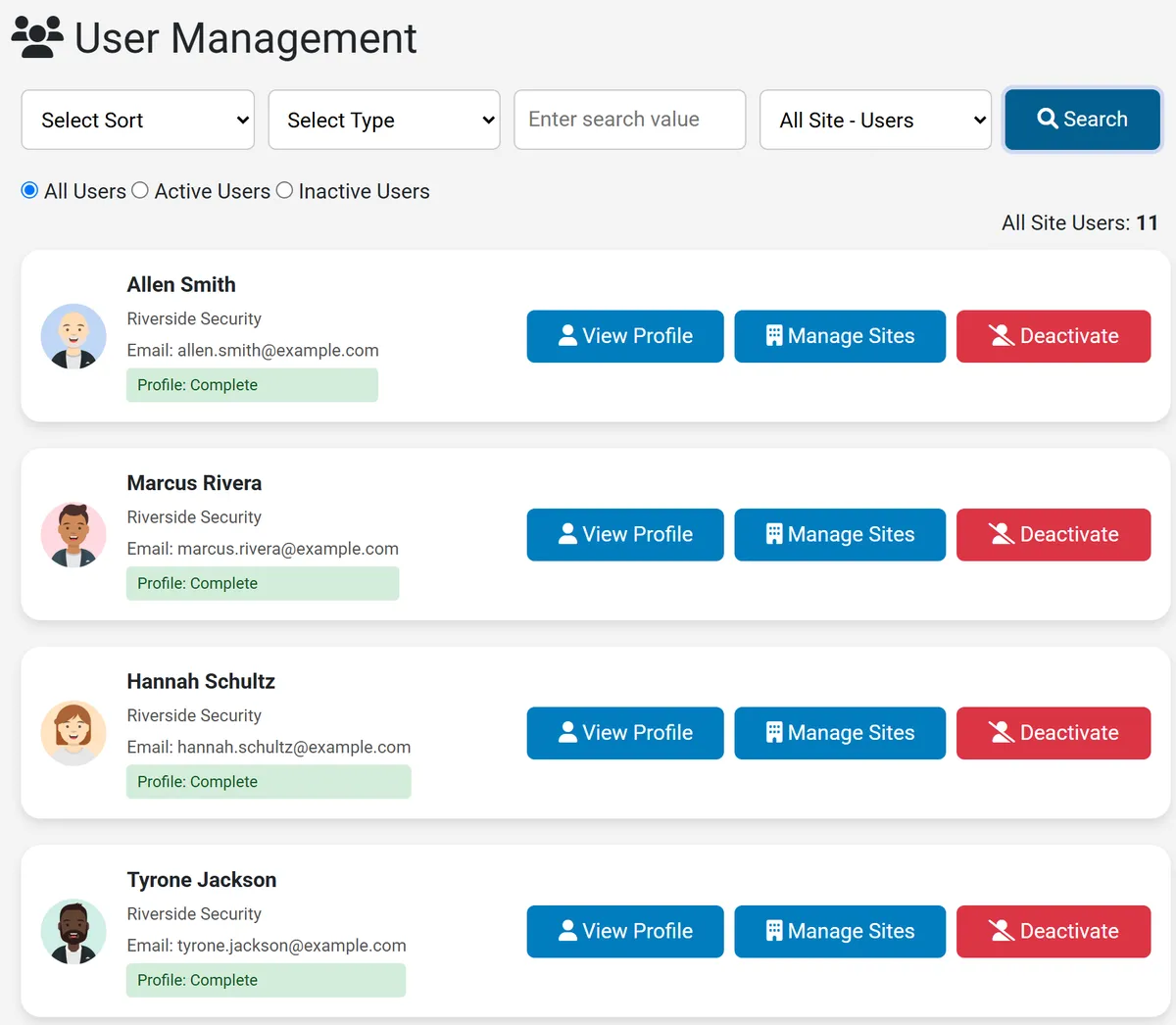
Guard Profile Management
Maintain complete personnel records for every guard in your company. Profiles store employment details, contact information, site assignments, job titles, and role-based access — all searchable and exportable.
- Full personal and employment information
- Job title and post assignments per site
- Employment and termination date tracking
- Profile photo management
- Role-based access (Admin, Site Admin, Client, Guard)
- Multi-site support
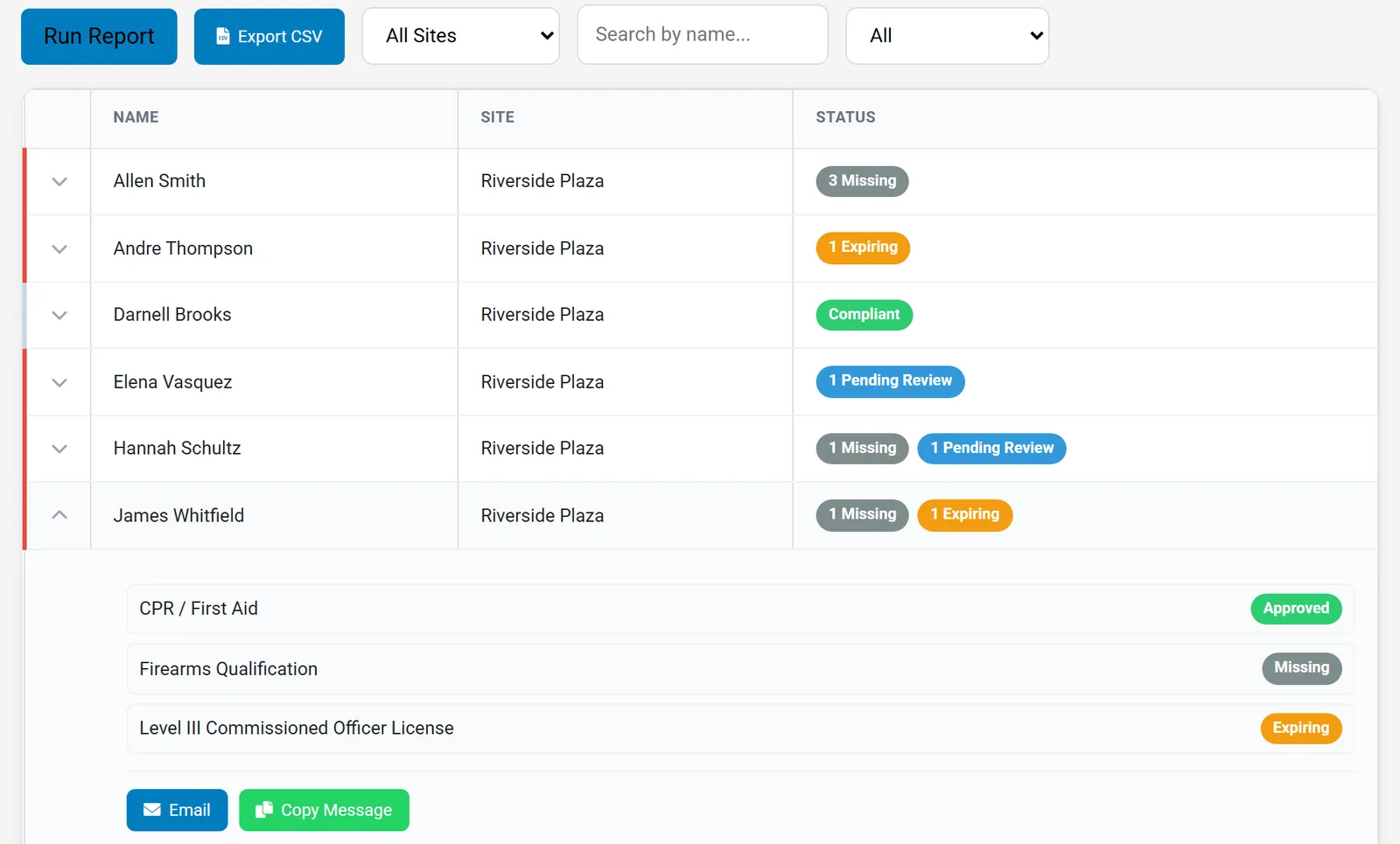
Certification & Compliance Tracking
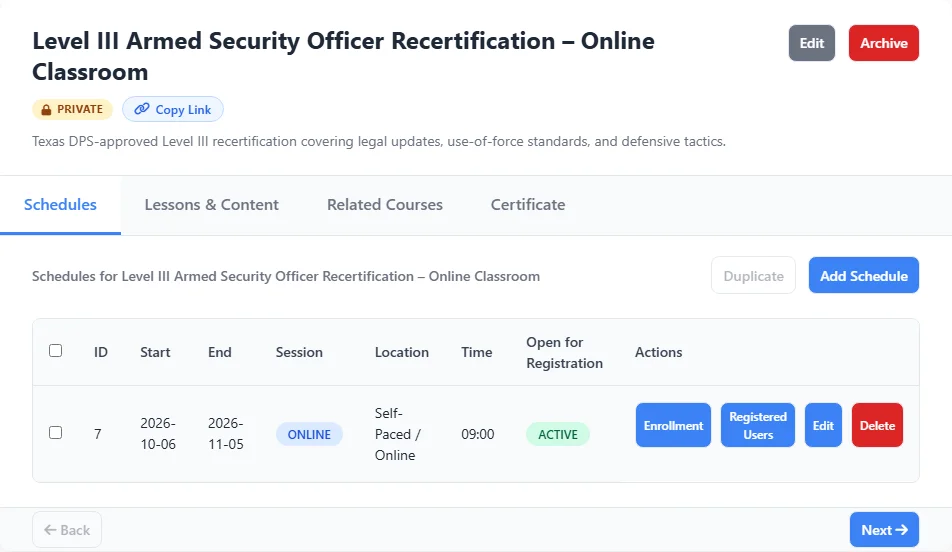
Every guard's licenses and certifications are tracked in one place. Automated expiration alerts prevent lapses in compliance before they become a liability. Supports Level II, III, and IV security certifications. For armed officers, score range qualifications on a five-stage, 250-point sheet with your own pass thresholds, and keep every attempt on record.
- Automated renewal reminders by email
- Digital certificate storage and download
- Level II, III, IV license tracking
- Firearms qualification records and range scoring
- Compliance status reporting per guard or site
- Full audit trail for inspections
Learn more about security guard compliance software →
See firearms qualification tracking →
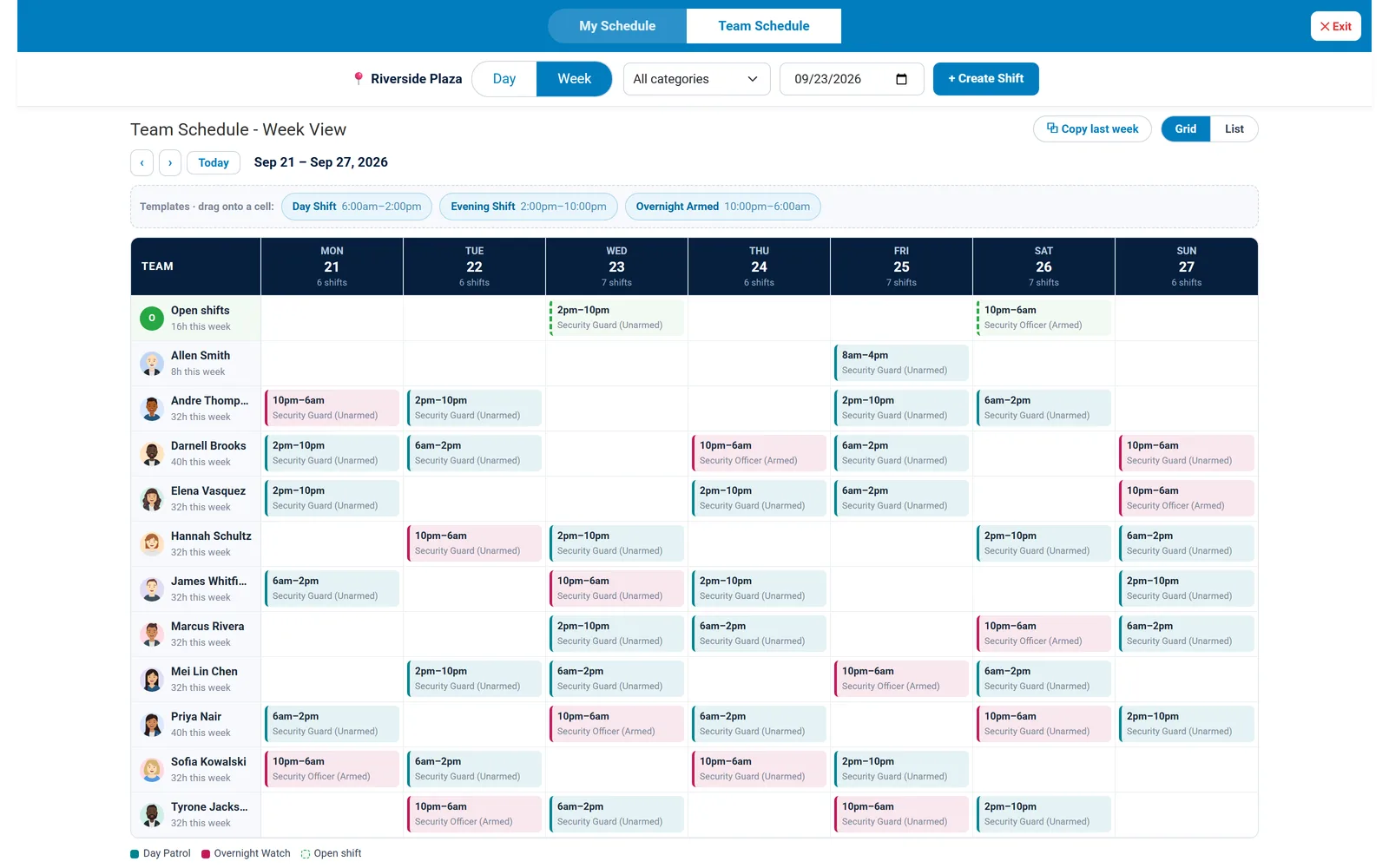
Schedule & Shift Management
Managers create and manage all schedules from the web dashboard. Every scheduled shift generates a WhatsApp-ready message so guards are notified instantly through the app they already use. On mobile, guards can view their own shifts, check in and out with GPS verification, and see their team's schedule.
- Web dashboard for full schedule management
- WhatsApp-ready shift notification for every scheduled shift
- Recurring and one-off shift creation
- Shift templates with drag-and-drop scheduling
- Open shift posting for guards to request
- Post and job title assignment per shift
- Mobile: guards view their own shifts and team schedule
- Mobile: GPS-verified check-in and check-out per shift
- Guard shift cancellation workflow
- Timecard tracking and payroll period configuration
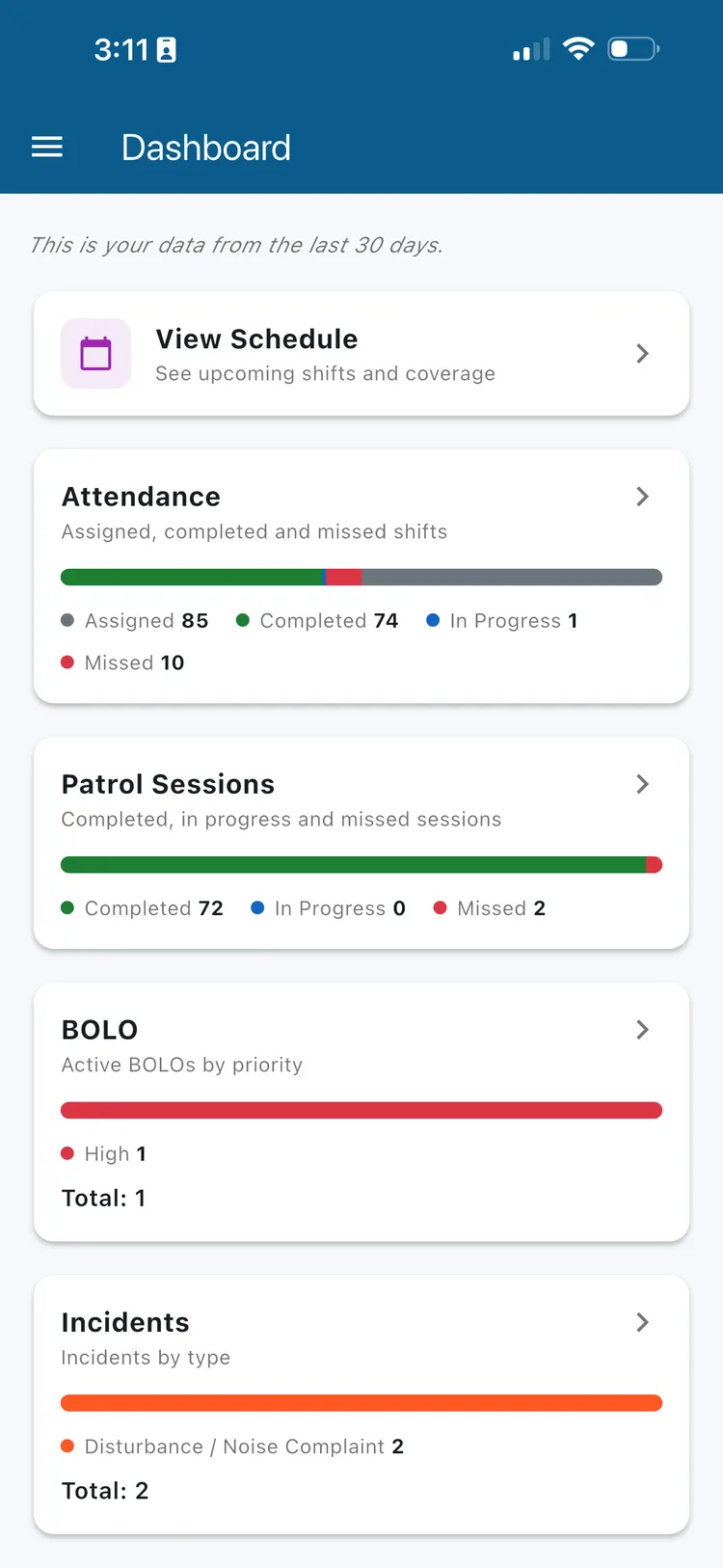
- Attendance reporting — assigned, completed, in-progress, and missed shifts
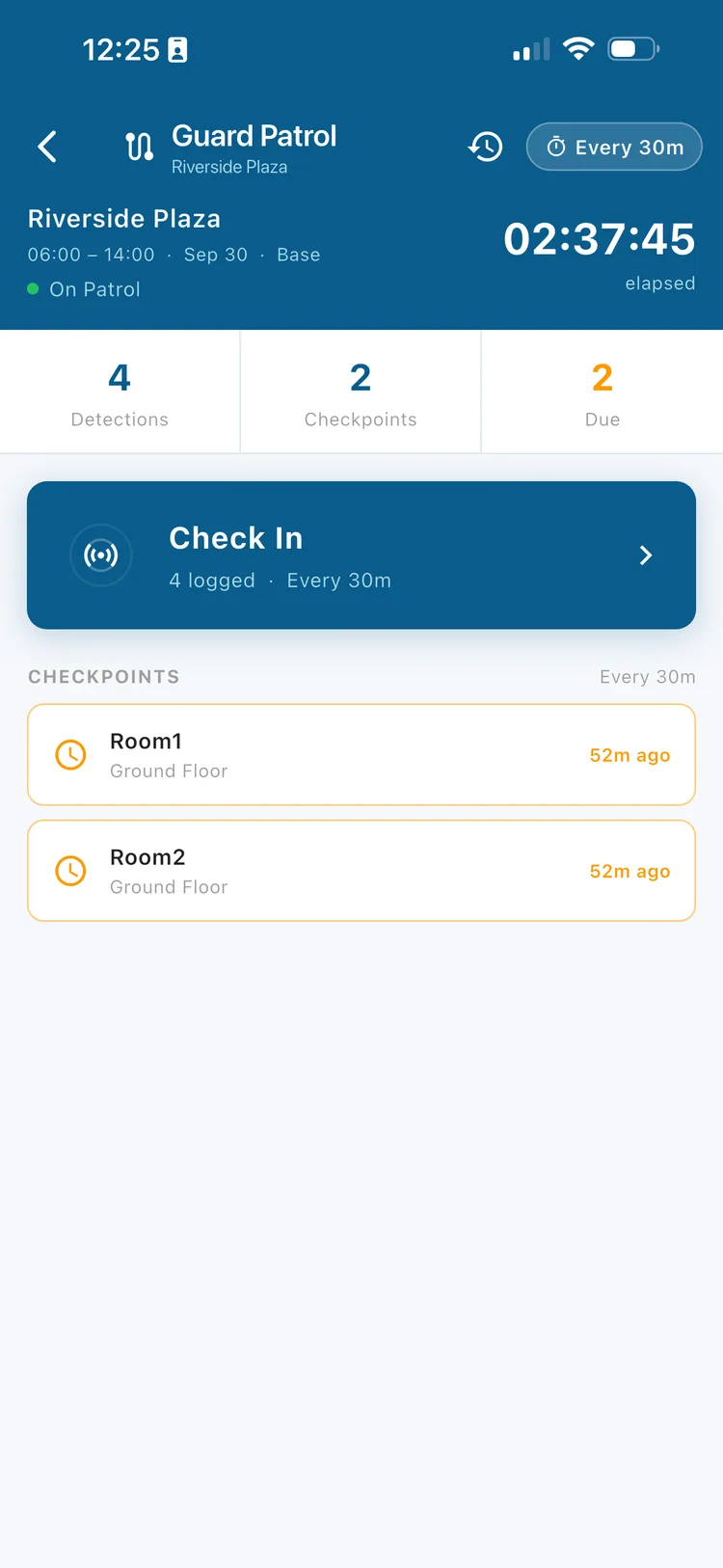
Patrol Session Tracking
Guards check in at real checkpoints using BLE beacons, NFC tags, or QR codes, and Secureburg verifies they were actually there — no more relying on paper logs or radio check-ins to know a patrol happened.
- BLE, NFC, and QR checkpoint verification, configurable per site
- Configurable patrol intervals with overdue checkpoints flagged automatically
- Adjustable proximity sensitivity and duplicate check-in prevention
- Offline support — check-ins sync automatically once back online
Document Management
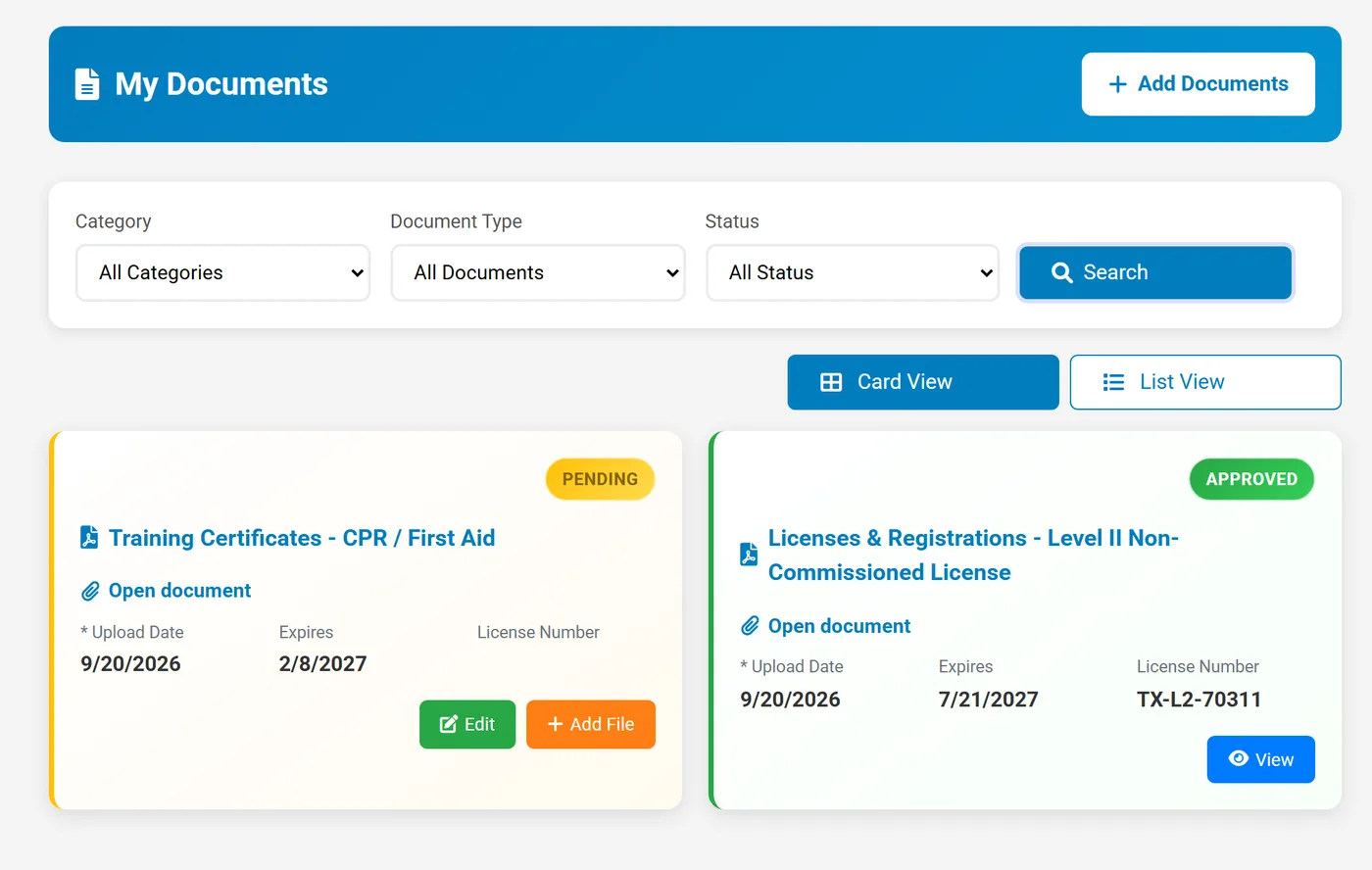
Store, organize, and control access to every personnel document in one encrypted repository. From licenses to contracts to insurance certificates — everything is tracked, versioned, and accessible to the right people.
- Secure, encrypted document storage
- Your own categories and document types, with expiry date and license number requirements
- Expiration date tracking with alerts
- Admin approval workflow (Pending → Approved / Rejected)
- Password-protected PDF access
- Document timeline and admin notes
- Employee upload and comment capability
- Search by name and filter by type, status, site, or date range
- Required documents by job title, tracked in the compliance report